context
context
Section titled “context”The context command prepares a focused context pack from a repository or sub-tree. It is designed for:
- code review preparation
- debugging support
- onboarding into a codebase
- LLM-assisted workflows that need bounded, explainable context
What the command includes
Section titled “What the command includes”A context pack currently contains:
- structured metadata about the selected budget and files
- dominant language summaries
- grouped file sections such as focus, changes, entrypoints, testing, workflows, and general files
- excerpts with truncation markers when the budget is tight
Basic usage
Section titled “Basic usage”Generate Markdown to standard output:
sephera context --path .List the profiles available for the current repository config:
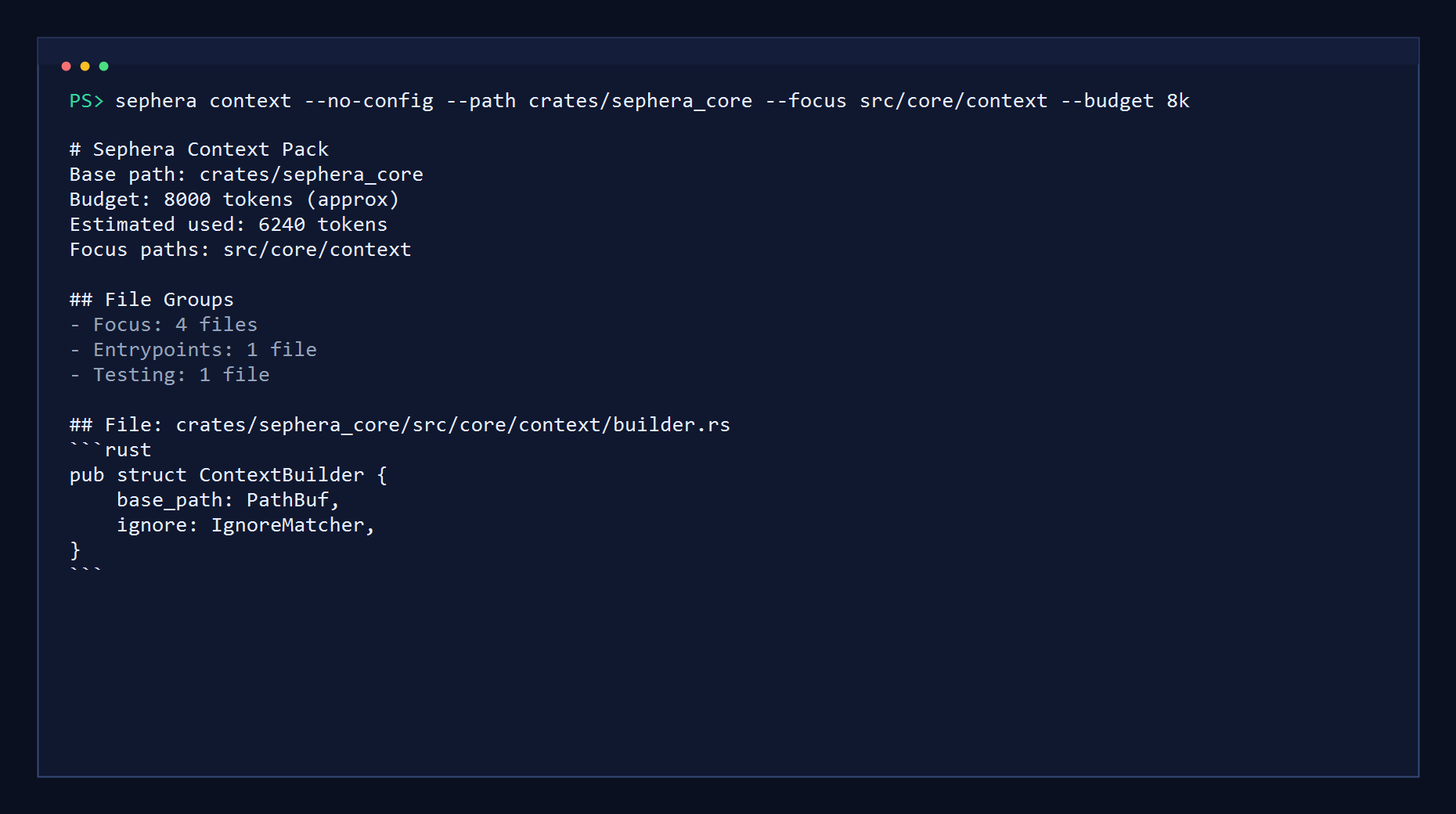
sephera context --path . --list-profilessephera context --no-config --path crates/sephera_core --focus src/core/context --budget 8k
grouped context output with bounded excerpts
Focus on a sub-tree and export Markdown:
sephera context --path . --focus crates/sephera_core --budget 32k --format markdown --output reports/context.mdExport JSON instead:
sephera context --path . --focus crates/sephera_core --format json --output reports/context.jsonBuild a review pack from Git changes:
sephera context --path . --diff HEAD~1 --budget 32kCenter the pack on your current working tree:
sephera context --path . --diff working-treeGit-aware diff mode
Section titled “Git-aware diff mode”context --diff <SPEC> is a Git-only mode that prioritizes changed files before pulling in support files from the usual heuristics.
Built-in keywords:
working-tree: staged changes + unstaged changes + untracked filesstaged: staged changes onlyunstaged: unstaged changes + untracked files
Any other value is treated as a single base ref and compared against HEAD through merge-base semantics. Common examples:
origin/masterHEAD~1
Important behavior:
- explicit
--focusstill wins over diff matches - changed files stay inside the selected
--path - deleted files are counted in diff metadata but skipped from excerpts because there is no workspace content left to read
- renamed files use the new path in the final report
Budget model
Section titled “Budget model”The budget is an approximate token budget, not tokenizer-exact accounting. Sephera uses it to decide how much metadata and excerpt content can fit into a report without turning it into an unbounded repository dump.
Examples:
3200032k1m
Defaults and overrides
Section titled “Defaults and overrides”context now supports repo-level defaults and named profiles through .sephera.toml. The precedence order is:
- built-in defaults
.sephera.toml- selected profile, if any
- explicit CLI flags
Apply a named profile:
sephera context --path . --profile reviewUse a profile and still override the diff target from the CLI:
sephera context --path . --profile review --diff stagedSee the dedicated configuration page for details and examples.